
Tutorial
Using the Calendar to Find Local Coin Shows Near You
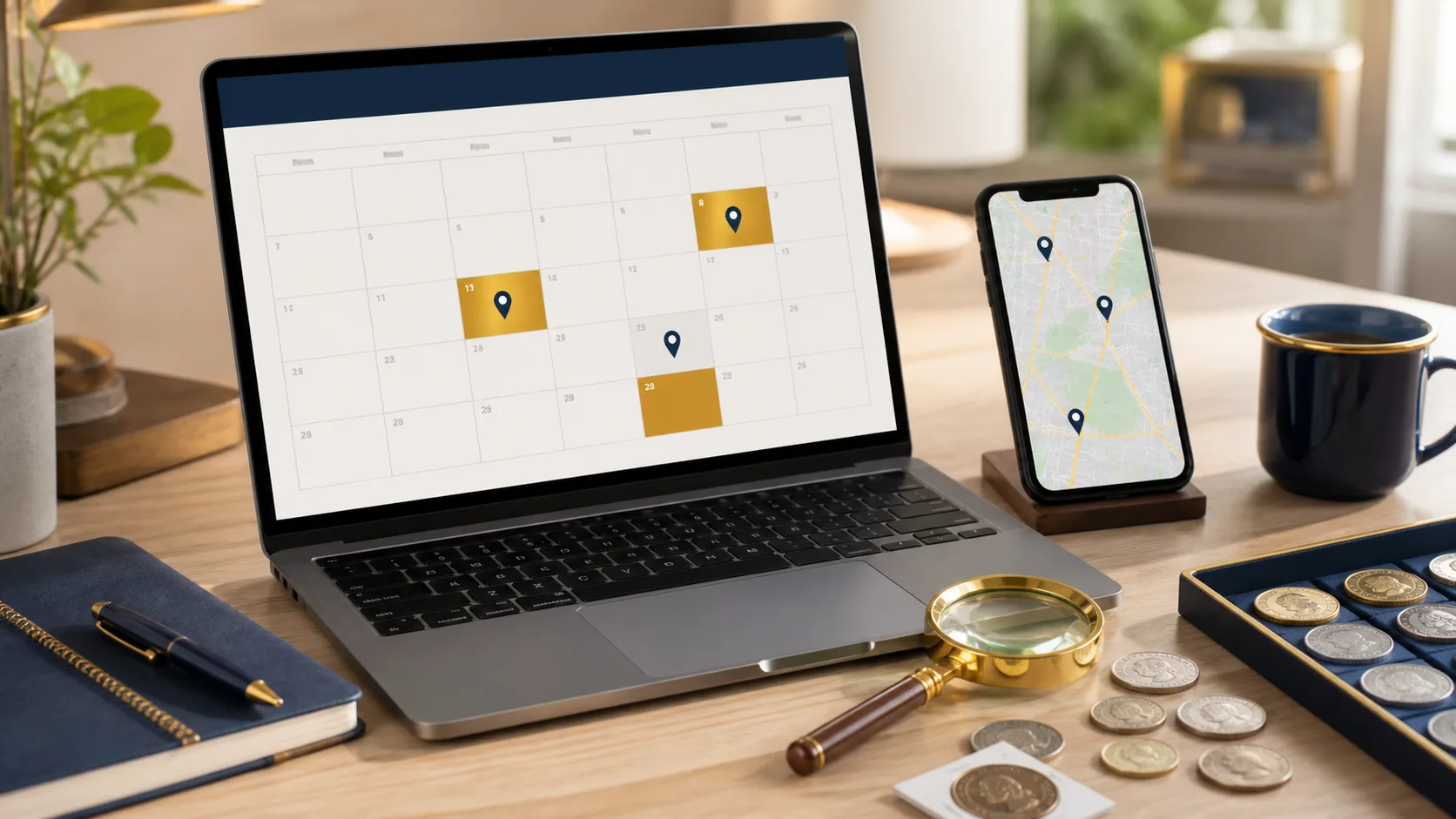
Finding Local Coin Shows Using the Calendar
- Log into Your Account
Start by signing in with your registered email and password. - Access the Calendar Feature
Navigate to the ‘Coin Shows’ menu and select ‘Calendar’ from the dropdown. - Set Location Filters
Enter your city or ZIP code in the search bar to filter shows by your proximity. - Browse Upcoming Shows
Scroll through the calendar view and click on event dates to see detailed information. - Add Events to Your Personal Calendar
Click on the event you’re interested in, and select the option to add it to your own calendar. - Share Events
Use social media buttons to share exciting events with friends and fellow collectors.
Now you can easily find and attend local coin shows!