
Tutorial
Managing Your Event Submissions as an Organizer
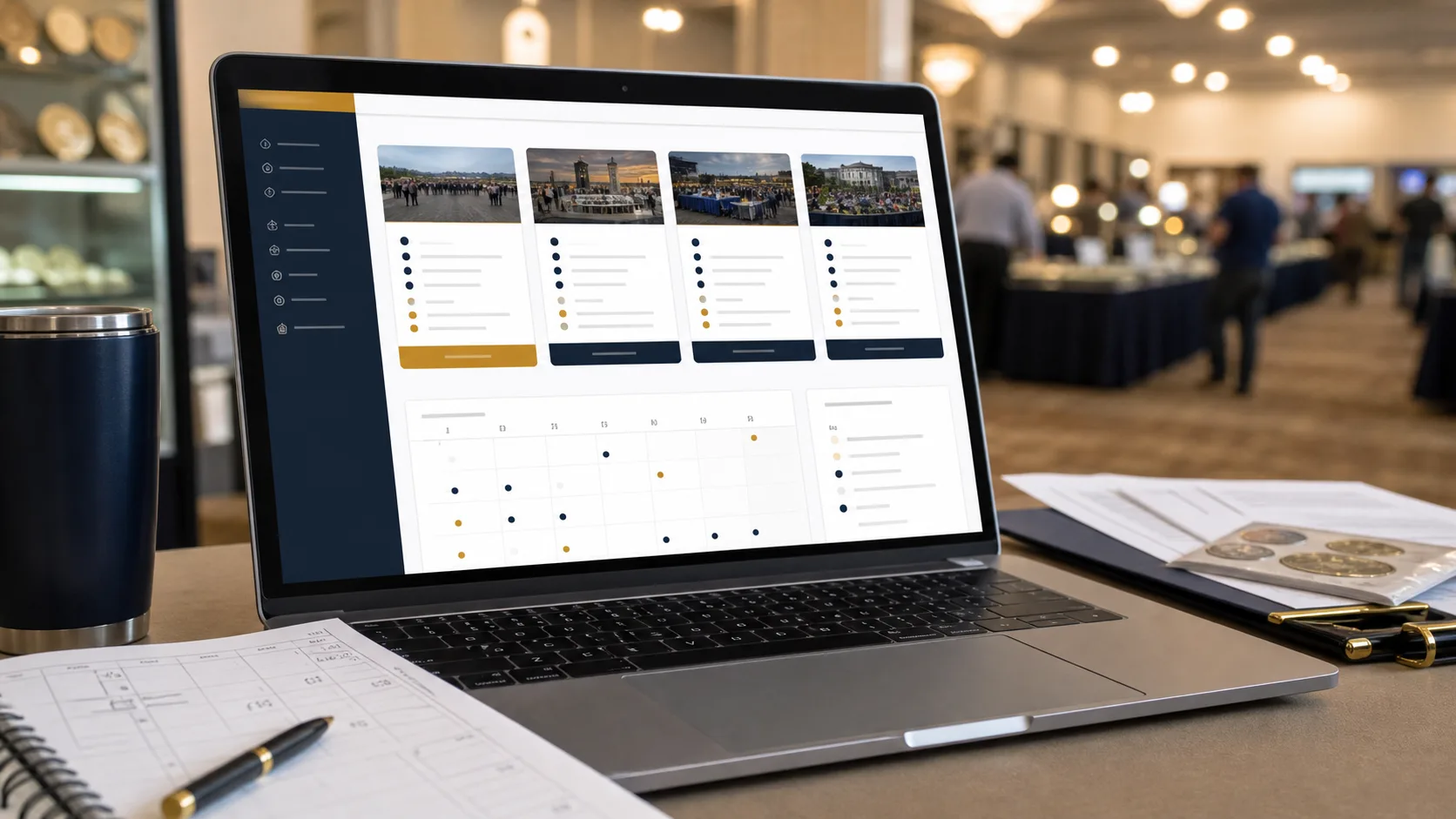
Managing Your Event Submissions
- Log into Your Organizer Account
Enter your registered email and password to access your dashboard. - Go to Event Management
Click on ‘Manage Events’ from the main menu. - View Submitted Events
You will see a list of events you’ve submitted along with their status. - Edit Event Details
Click on an event to edit the details or update the status if necessary. - Promote Your Event
Utilize the promotional tools to enhance visibility for your event. - Confirm Event Attendance
As the event date approaches, confirm the number of attendees and planning notes.
You are now equipped to manage your events efficiently!