
Tutorial
Getting Started: Setting Up Your Account and Profile
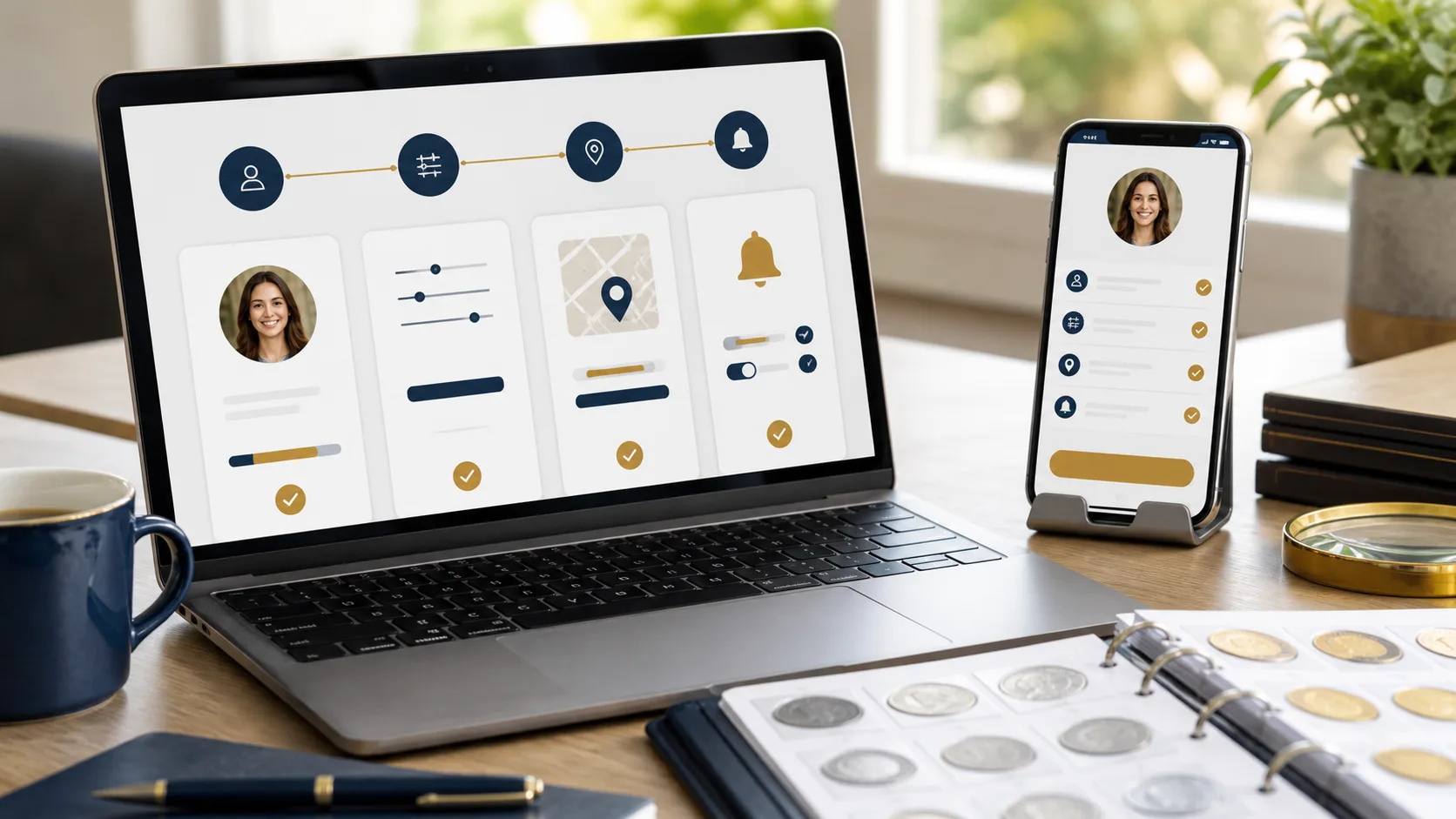
How to Set Up Your Account and Profile
- Visit the Registration Page
Go to our homepage and click on the ‘Sign Up’ button at the top right corner. - Fill Out the Registration Form
Provide your email address, select a password, and fill in your personal information like name and location. - Verify Your Email
Check your email inbox for a verification email. Click the link provided to verify your account. - Log Into Your Account
Once verified, return to the site and log in using your email and password. - Complete Your Profile
Navigate to the ‘Profile’ section where you can add information such as your bio, profile picture, and interests in coin collecting. - Save Changes
Make sure to save your profile settings to ensure your information is stored.
You’re now ready to explore our coin collecting community!