KB Article
Setting Up Your Collector Profile
Setting Up Your Collector Profile
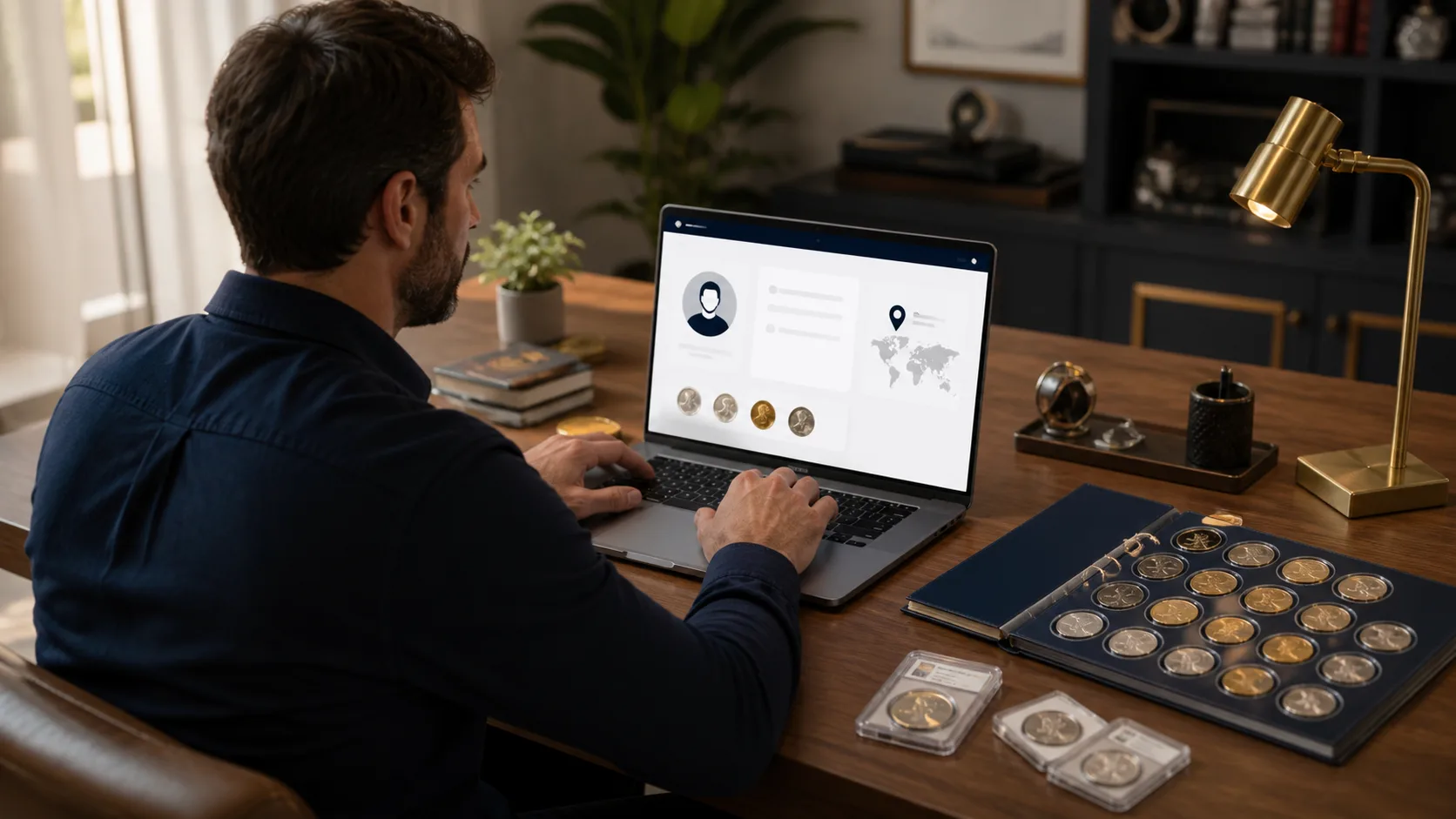
Creating a collector profile helps you connect with others who share your passion. Here’s how to set one up:
Step 1: Log In
Sign into your account to start creating your profile.
Step 2: Navigate to Profile Settings
Find the ‘Collector Profile’ section in your account settings.
Step 3: Add Personal Information
Fill out your profile details, including:
- Name
- Location
- Collecting Interests
Step 4: Upload a Profile Picture
Enhance your profile by uploading a clear image of yourself.
Step 5: Save Your Profile
Click ‘Save Changes’ to make your profile visible to the community.
If you face any issues during setup, feel free to contact support.